PDF · Photos · DOCX — in 30 seconds

Make a scan from PDF
or photo — online

Drop a file — get a PDF with a scanner effect in 30 seconds. Processed in your browser, no upload, no sign-up.

Local in browser No sign-up Signatures protected
Try it right now

Drop your file here

or 

Release to upload

File selected

Open the full scanner

Looks like a real scanner

The output is a PDF you would struggle to tell apart from one that went through a real office scanner. Sensor noise, slight tilt, uneven lighting and paper texture — all baked in.

01

Local in your browser

JavaScript and WebAssembly handle the file on your device. The document never leaves your computer.

02

Signatures stay put

The algorithm overlays artifacts — it does not redraw the content underneath.

03

Fine-grained control

Noise, rotation, tint, paper edges, blur — every setting is in your hands.

04

No sign-up

No email, no phone, no payment. Open the site, get your result.

05

Any device

Works in Chrome, Firefox, Safari and Edge — on desktop and mobile alike.

06

Open source

Source code is auditable. No hidden trackers in the PDF pipeline.

Three steps. No sign-up. No server.

No multifunction printer, no cloud, no queues. Each step takes seconds.

  1. Upload the file

    Drop a document, photo or text file into the zone — or open the scanner and pick a file. Dozens of formats supported.

  2. Tweak the settings

    Noise, rotation, yellow tint, paper edges, colour or grayscale, blur. The preview updates instantly.

  3. Download the PDF

    One click saves the result as a PDF, ready to print or share.

PDF, photos, DOCX — one button

Any document you can open on screen can become a scan. The output is always a PDF.

  • PDF
  • DOCX
  • JPG
  • PNG
  • GIF
  • WebP
  • SVG
  • TXT
  • MD
  • HTML

Before after

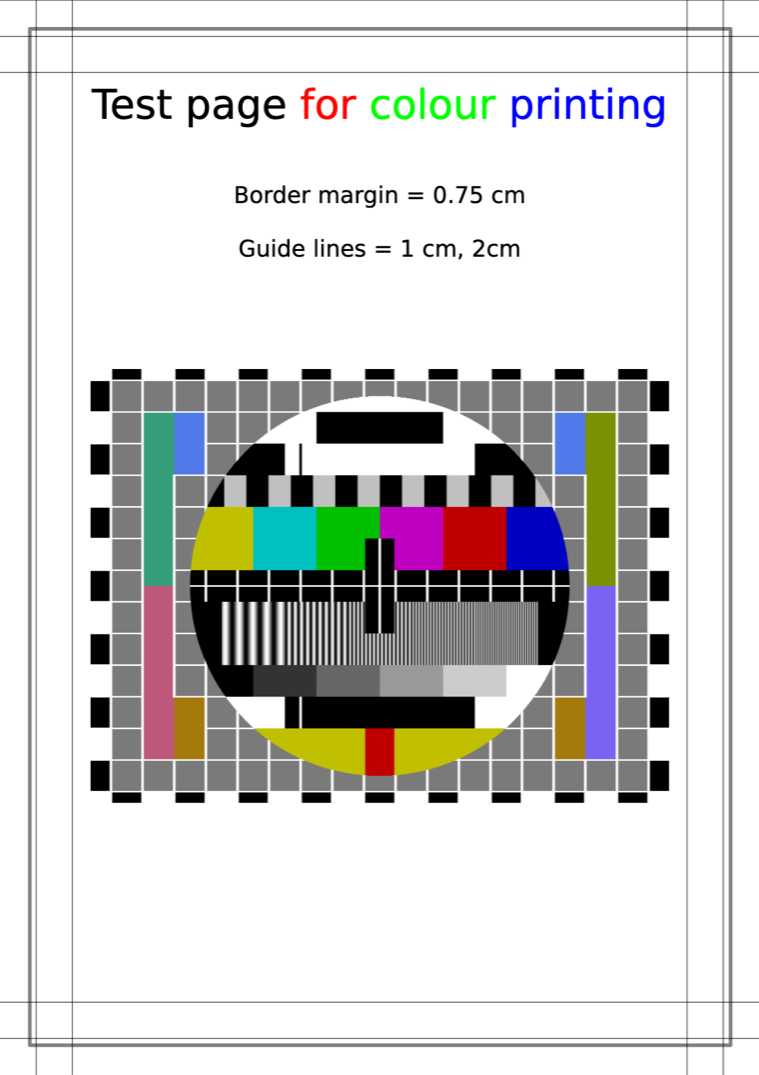
The same file: left — the original PDF, right — after processing. Drag the divider.
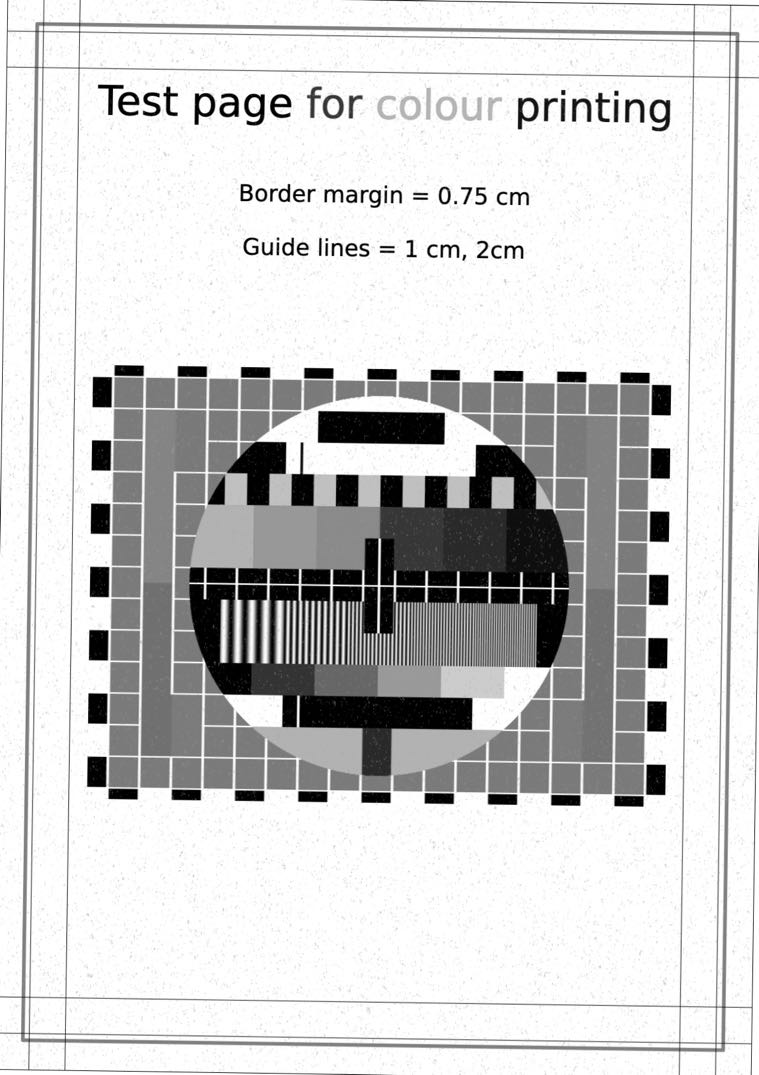
Result with scanner effect Original PDF before processing PDF SCAN

When Fakescan is the right fit

It is a focused tool, not a bloated document suite. Honest boundaries on what it does and does not.

Good fit

  • A document that should look "fresh from an office MFP"
  • Contract template prototype or presentation mock-up
  • Signatures and stamps already on paper — convert to scan look
  • Phone-photo to scan without a separate app
  • Internal paperwork where a scan look speeds things up

Not the right fit

  • OCR or searchable text extraction from scans
  • Notarized or legally certified documents
  • Enterprise document management with indexing
  • Pulling plain text out of an existing PDF — effect gets in the way

Common questions

How do I scan a PDF online?
Drop a PDF onto the zone on the homepage, or open the scanner via the button. The file is processed in your browser: noise, slight tilt, uneven lighting and paper texture are added. The result downloads as a single PDF — no sign-up, no upload.
How is the scanner effect different from a real scan?
A real scan comes from a flatbed scanner: a sensor reads the page, capturing real noise and slight skew. The scanner effect reproduces those same artifacts in software — the output looks scanned, but there is no paper and no machine involved.
Is it safe to upload documents — where do the files go?
They go nowhere. The whole pipeline runs in your browser via JavaScript and WebAssembly. The server only serves the page itself. Your PDF is never sent to the cloud and never stored on our side.
Which formats are supported, and is there a size limit?
PDF, DOCX, PNG, JPG, JPEG, GIF, WebP, SVG, Markdown, HTML, TXT. PDFs up to 25 pages per run, files up to 25 MB. Split larger documents into parts.
What is "fakescan" and why use one?
Fakescan is shorthand for a PDF with a scanner effect applied. Common uses: internal paperwork, document templates, mock-ups for presentations and sales training material — anywhere a scanned look helps but firing up a real scanner is overkill.
Can I make a scan from a phone photo?
Yes. Open the site in your phone browser, pick a JPG or PNG — processing runs on the device. The PDF saves to your downloads folder. Works on iPhone Safari and Android Chrome.

Why a PDF scanner effect

A scanner effect on a PDF helps when a document is easier to share as a file fresh "from a printer". Internal handoffs between teams, checklists, draft templates, mock-ups for presentations, sales training material — anywhere a real scan would speed things up but firing up a multifunction printer for one file is overkill.

The tool processes PDFs, photos and text files locally in the browser. No uploads, no queues, no watermarks. The pipeline adds realistic noise, slight page tilt, uneven lighting and paper texture — matching how a real scanner behaves.

Common jobs: turn a PDF into a scanned-looking file, convert a phone photo into a scan-style document, build a one-page "fakescan" for everyday work. One button, no sign-up, no payment, any device.